SSH ID – Passkeys for SSH
SSH was born in 1995 – the same year the first Nokia candy-bar phones hit shelves, JavaScript was invented, and most people were still dialing into the internet. SSH was designed for a world where a single user has a single device and a single key to connect to a server rack in the same room.
Thirty years later, people connect from multiple devices to manage hundreds of servers scattered across different locations and clouds. Sysadmins, DevOps, and network engineers still use SSH every day to keep everything running. But SSH itself hasn't significantly changed.
And that's where the pain begins.
One of the most secure ways to authenticate over SSH is to issue a unique device-bound key for every user and device, and add the public key to ~/.ssh/authorized_keys on every server. It works fine at a small scale. With hundreds of servers, dozens of team members, and multiple devices each, it becomes a nightmare.
Most people and teams take the easier route, compromising security. For convenience, they reuse the same key or password across devices and members. Often, sharing secrets via unprotected channels, such as messengers and email, and leaving local copies unsupervised, increases the risk of a leak.
For more control and security, some turn to enterprise-grade solutions such as PAMs, bastion hosts, or SSH certificates. These come with a high cost: complex integration, ongoing maintenance, and steep licensing fees. Security improves, but simplicity disappears.
At Termius, we've spent years trying to make SSH authentication both secure and simple. First, we built an encrypted cloud vault to securely sync and share credentials – removing the need to store local copies across many devices and reducing the risk of leakage. Then we added device-bound FIDO2 keys and unextractable biometric keys protected by Face ID, Touch ID, and Windows Hello. But managing those keys across multiple devices was still painful.
Until now.
Meet SSH ID
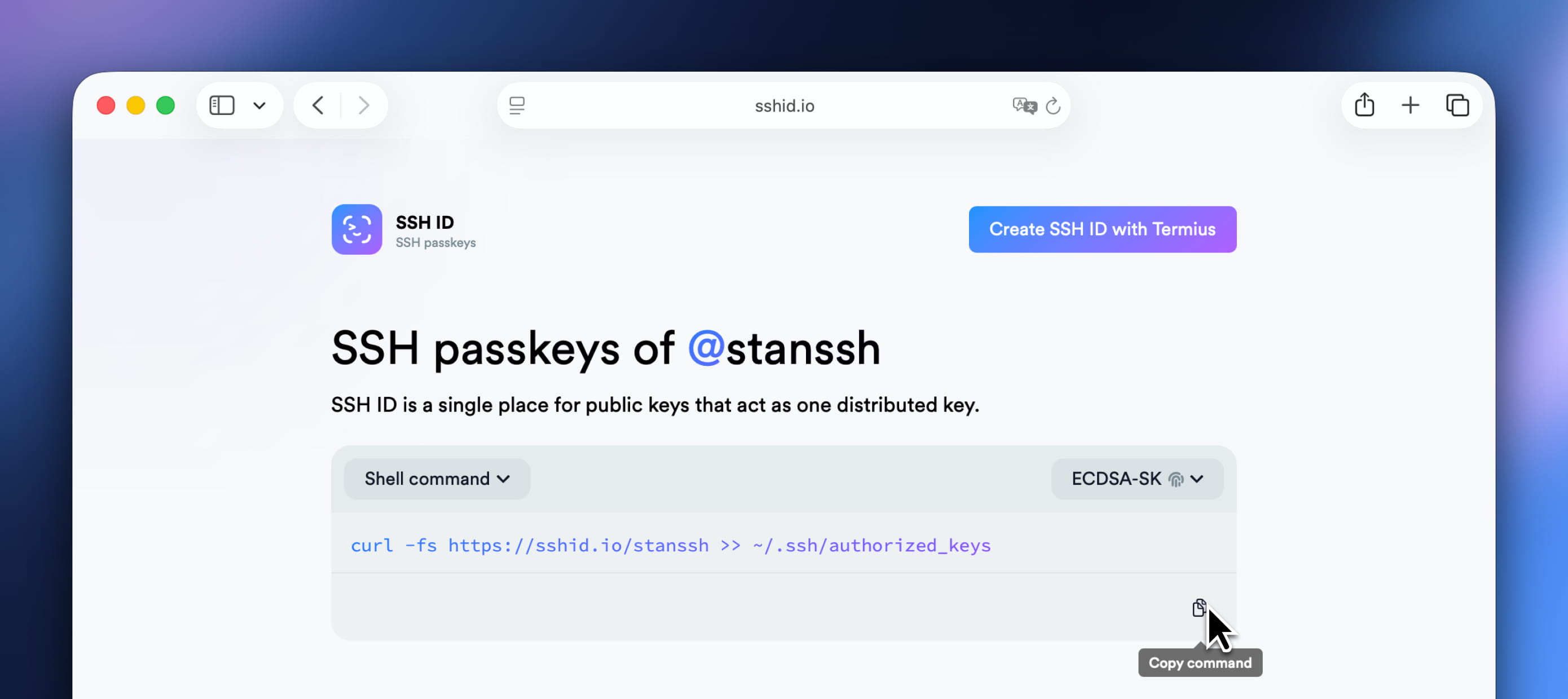
SSH ID is a passkey for SSH. This is a new tool inside Termius that combines the security of device-bound keys with the simplicity of sync.
SSH ID generates and stores a unique set of device-bound passkeys on each of your devices. Their public keys stay up to date and available at your unique public handle: https://sshid.io/<your_handle>.
All you need to do is update ~/.ssh/authorized_keys with this command:curl https://sshid.io/<your_handle> >> ~/.ssh/authorized_keys
How it works
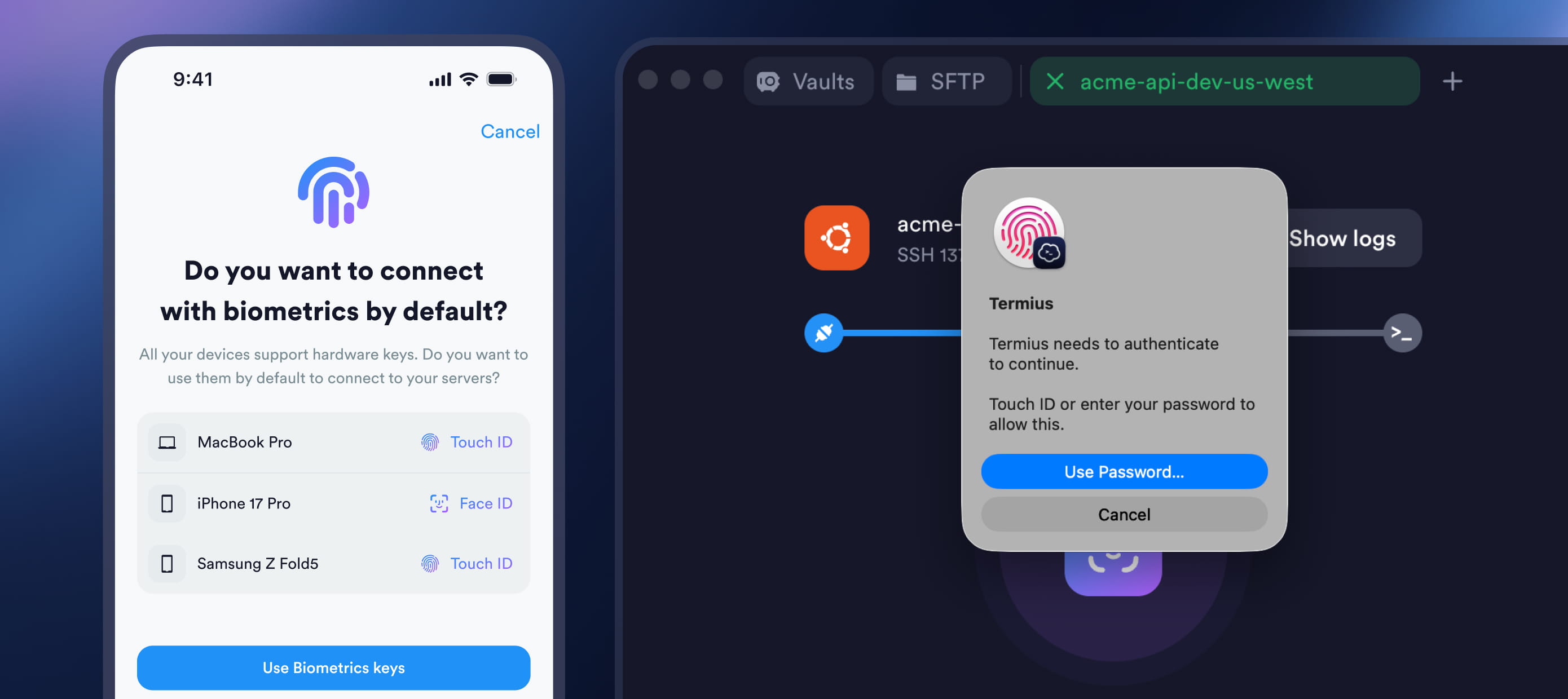
SSH ID passkeys are unextractable and device-bound – they cannot be exported or copied.
For each device, Termius generates keys in different types (ECDSA-SK, ED25519, ECDSA, and RSA) to ensure compatibility across your entire infrastructure.
ECDSA-SK
The most secure option. ECDSA-SK keys are generated and stored inside a dedicated hardware security chip – either your device's built-in secure hardware or an external FIDO2 security key like a YubiKey. Every connection requires presence or biometric confirmation (such as Face ID, Touch ID, or Windows Hello). Even if your device is stolen or compromised, your connections stay protected.
You can add as many FIDO2 hardware keys to your SSH ID as you want – keep one on your keychain, one in your office drawer, one locked in a safe. This lets you connect with any of these FIDO2 keys on devices without built-in biometric hardware.
ECDSA-SK requires OpenSSH 8.2+ (2020).
ED25519 and ECDSA
A good fit for hosts where presence confirmation isn't required or isn't supported. ED25519 is the modern default – fast and widely supported. ECDSA is a solid alternative for environments where ED25519 isn't available.
ED25519 requires OpenSSH 6.5+ (2014)
ECDSA requires OpenSSH 5.7+ (2011)
RSA
Can be used for legacy devices that don't support modern key types.
RSA requires OpenSSH 1.x (1995).
What makes it secure
SSH ID is built around a few non-negotiable security principles:
Private keys never leave your device.
Private keys are generated securely on your device, cannot be exported, and are never synced to the Termius cloud. Only public keys are synced, ensuring authentication is tied to your devices.
Every public key can be verified.
Each key is signed by your unique CA key. Anyone can verify that public keys in your SSH ID profile were genuinely generated by Termius on your devices.
Biometric-protected.
When using ECDSA-SK keys, every SSH connection requires a biometric or presence confirmation. Even if your device is stolen or compromised, your servers remain protected.
Built on SSH standards.
SSH ID is based on SSH and Linux standards. It uses the native ~/.ssh/authorized_keys files, so you don't need extra agents or daemons.
How it works for teams
SSH ID isn't just a personal tool – it's a powerful access management mechanism for teams. Anyone managing server access can collect SSH ID profiles from all team members and instantly get their up-to-date public keys to update authorized_keys file.
Since SSH ID works on the standard SSH mechanism authorized_keys file, it enables easy integration of SSH ID with tools like Ansible, Puppet, or JumpCloud to automate key deployment across large fleets.
Getting started
Setting up SSH ID takes less than a minute:
Download Termius on all your devices
Open SSH ID in Settings and follow the guided setup to generate passkeys
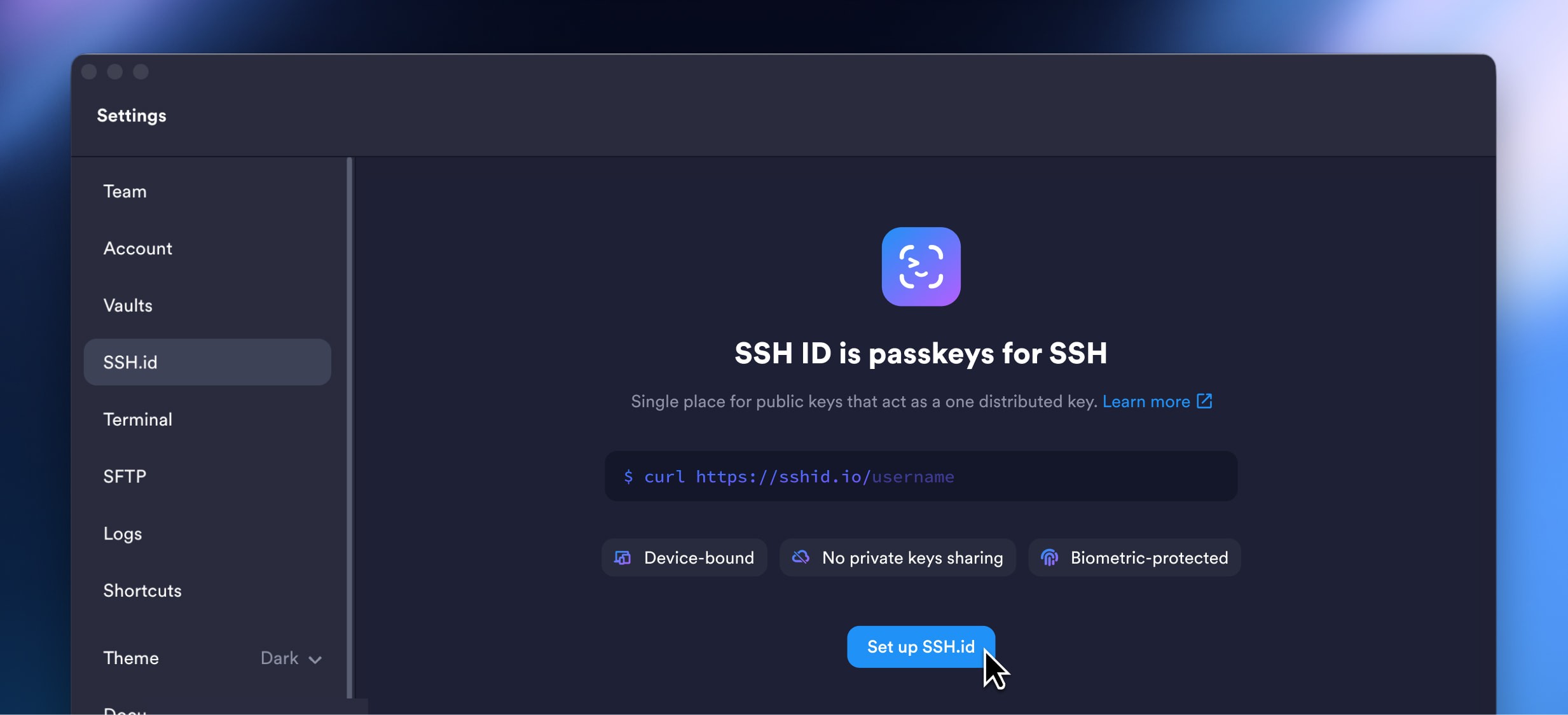
Add your public keys to your servers by running:
curl https://sshid.io/<your_handle> >> ~/.ssh/authorized_keys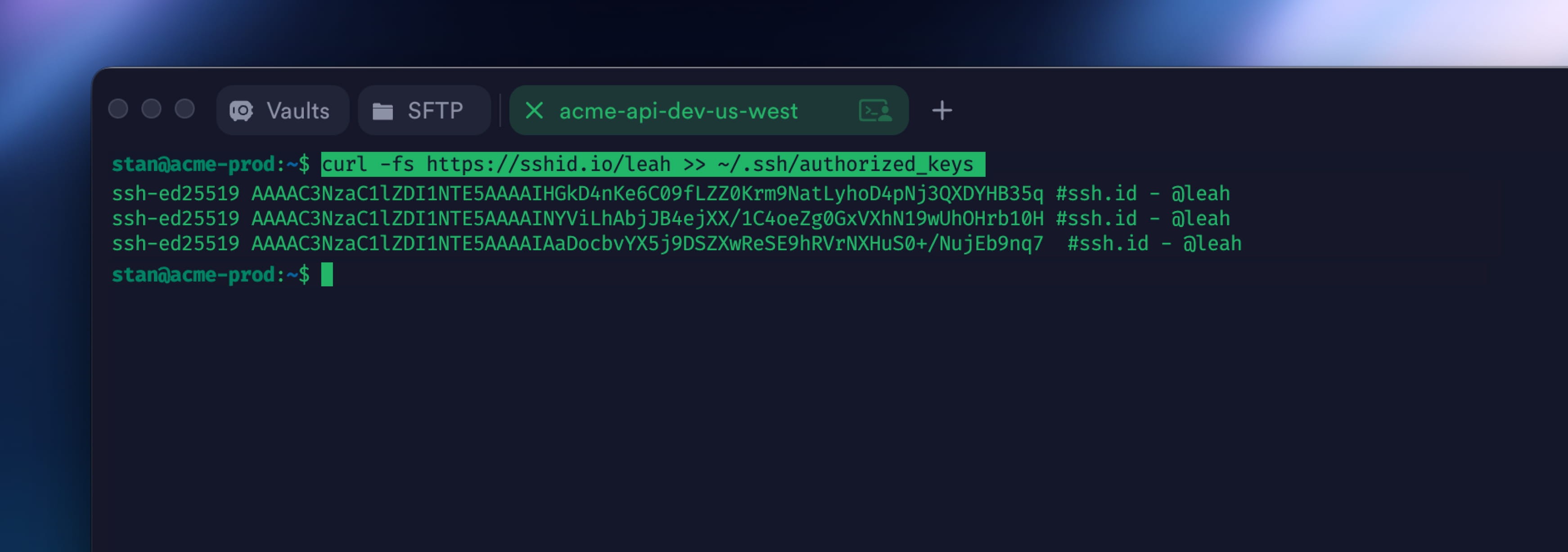
Assign SSH ID to your hosts in Termius and connect with one click
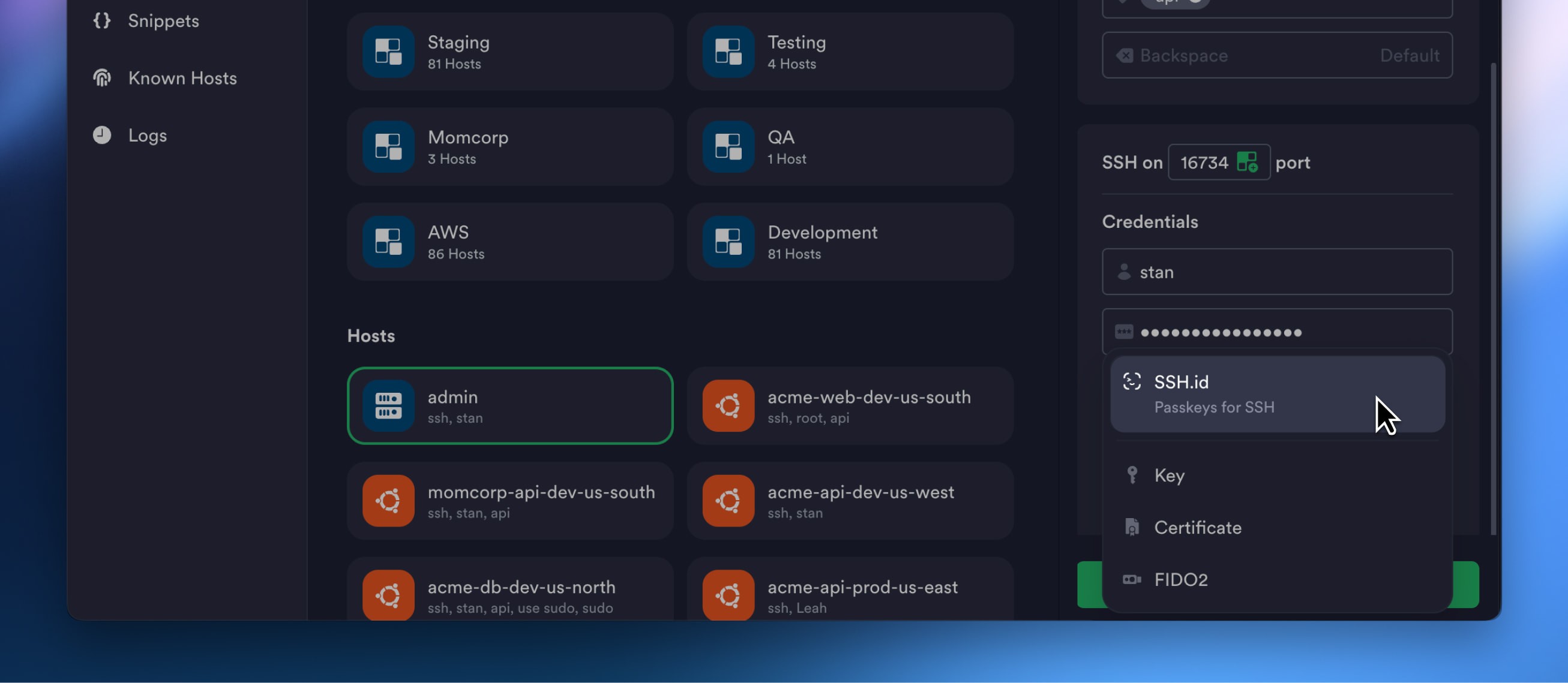
That's all it takes to go from juggling dozens of keys to a single, secure, biometric-protected identity that works everywhere.
The bottom line
SSH ID doesn't ask you to compromise between security and convenience. Your private keys stay on your devices, protected by your device's hardware. Your public identity is always available, always up to date, and always one curl command away from granting access anywhere.
This is SSH authentication done right – finally.


Read more
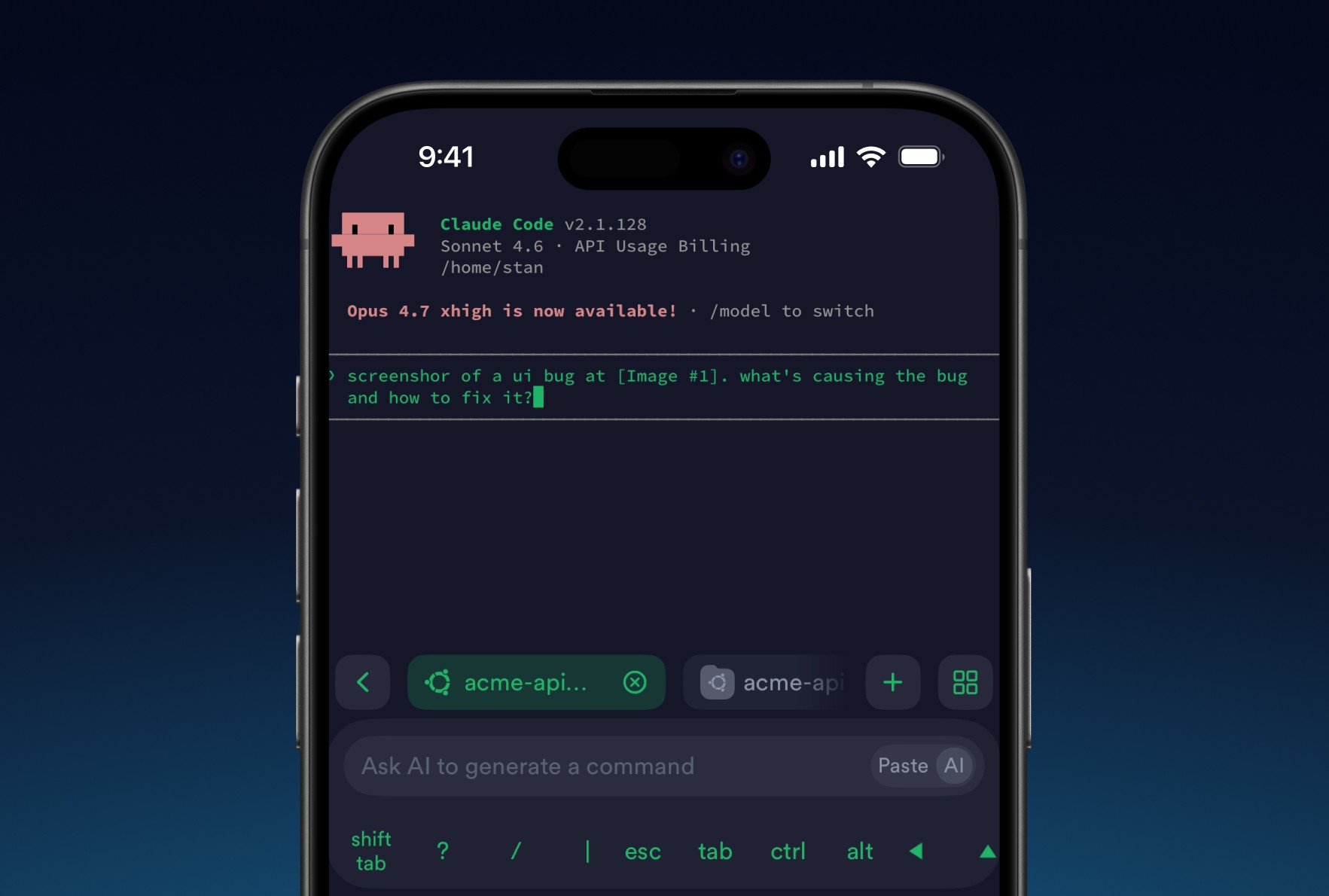
8 tips for using AI agents on mobile with Termius
Learn tips to improve your experience on your phone. Set it up once and your phone stops being a fallback and starts being a workstation.
Post-quantum cryptography
Termius has implemented post-quantum cryptography, ensuring your SSH sessions remain protected not just against today's threats but also against future attacks.
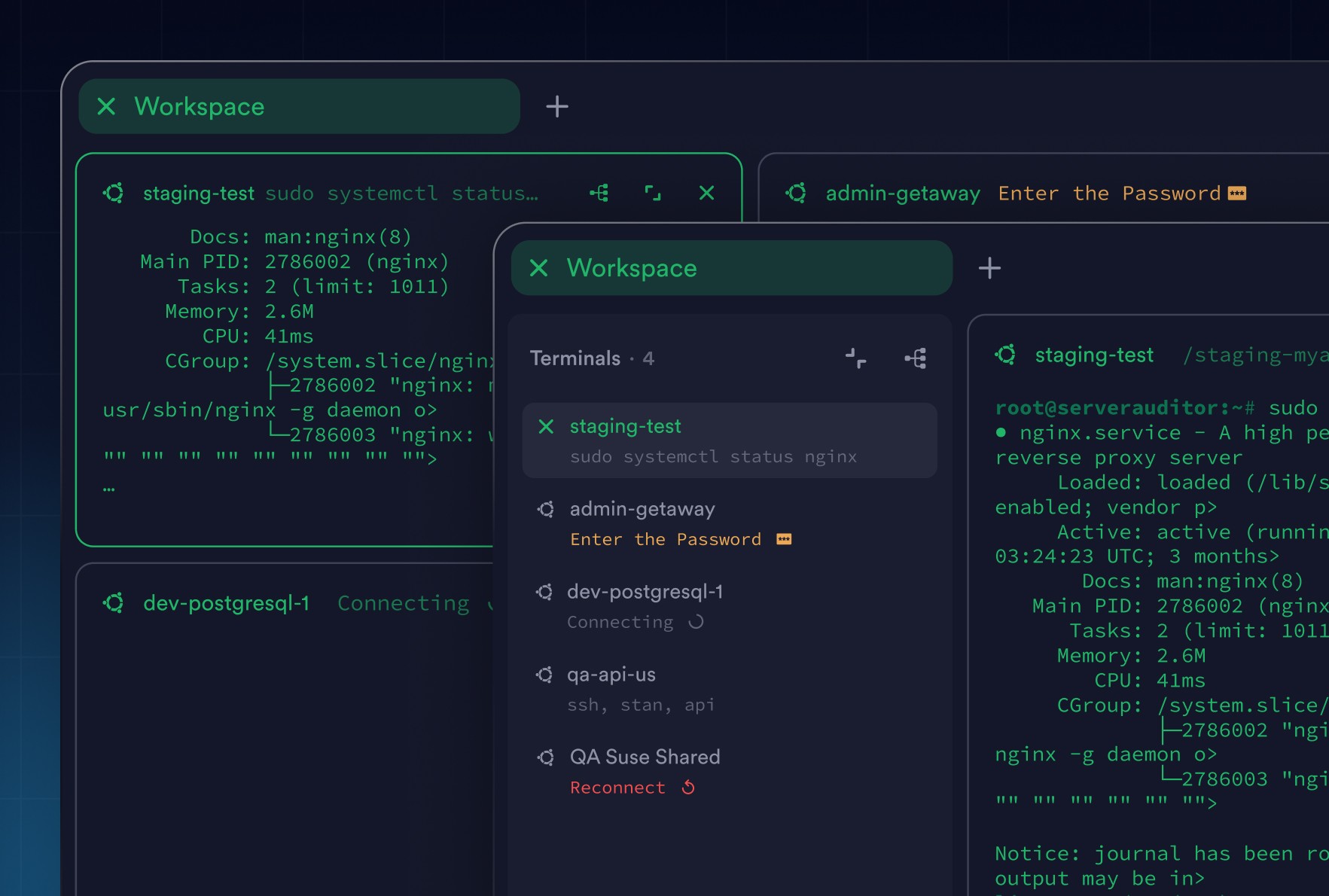
Workspaces: Focus Without Losing Context
Workspaces bring structure to terminal work. Group related sessions, stay focused, and keep full visibility across hosts without juggling tabs.