Broadcast Input across multiple terminals
Imagine you need to run an update on several Ubuntu instances. For sure, you can solve this in an old-fashioned way: open multiple connections, copy and paste sudo apt-get update && sudo apt-get upgrade to every terminal tab, and get back to check the result. Instead, open all connections in Split View and then enable Broadcast Input and type the update command only once, and input will appear in all your active terminals panes in Split View.
Broadcast input works only with terminals opened in Split View mode and will not affect other connections. You can open up to 16 panes in a single Split View tab. Create as many Split View tabs as you need and toggle input broadcast input independently.
You can go even further because Broadcast Input allows you to use Snippets and Autocomplete. Save your command as a snippet, then start typing its title in a terminal, and Termius will send the script to all active Split View panes. Enable autocomplete in Settings → Terminal to get the full power of Termius.
Broadcast input is available in Pro, Team, and Business plans.


Read more
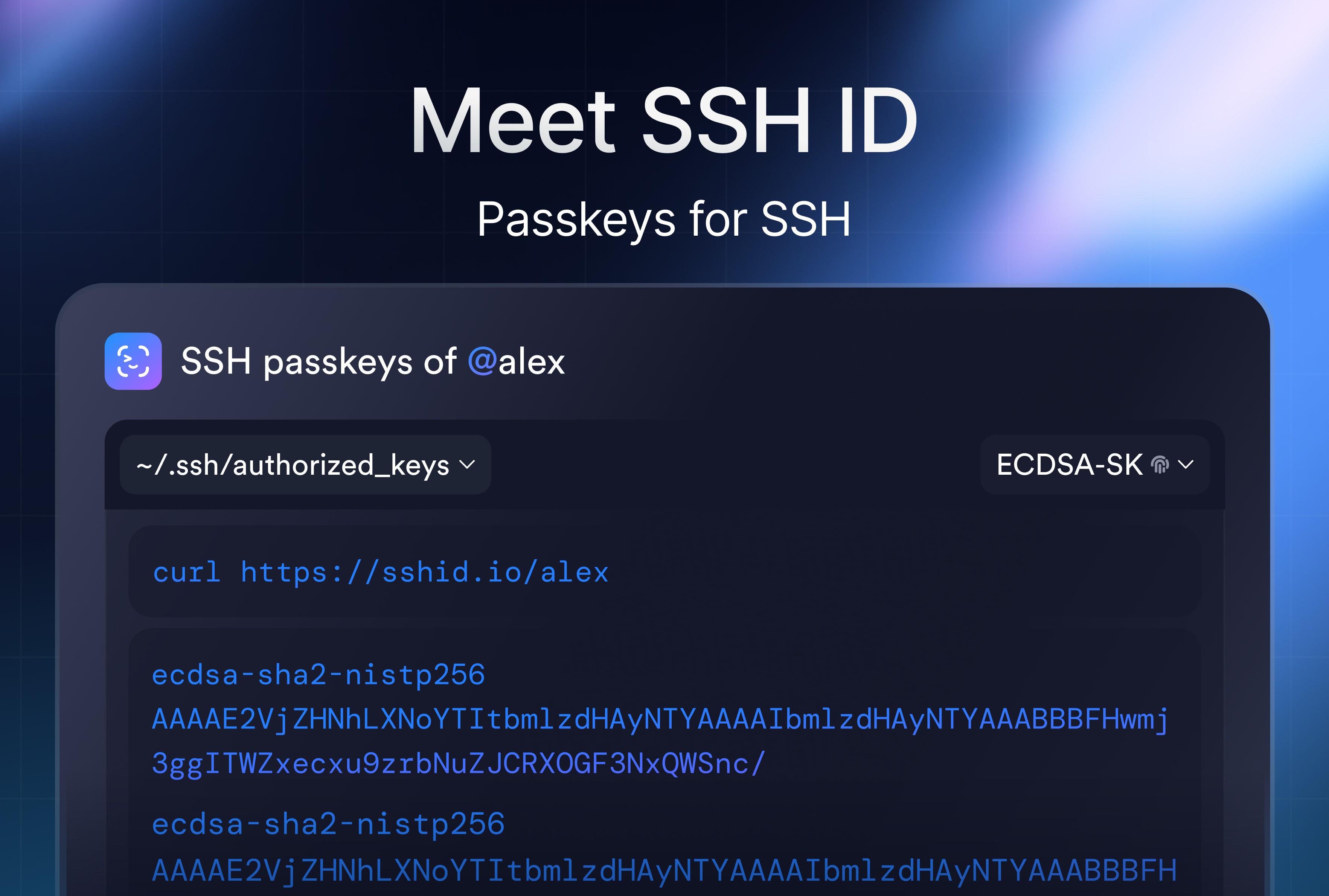
SSH ID – Passkeys for SSH
SSH ID is a passkey for SSH. This is a new tool inside Termius that combines the security of device-bound keys with the simplicity of sync.
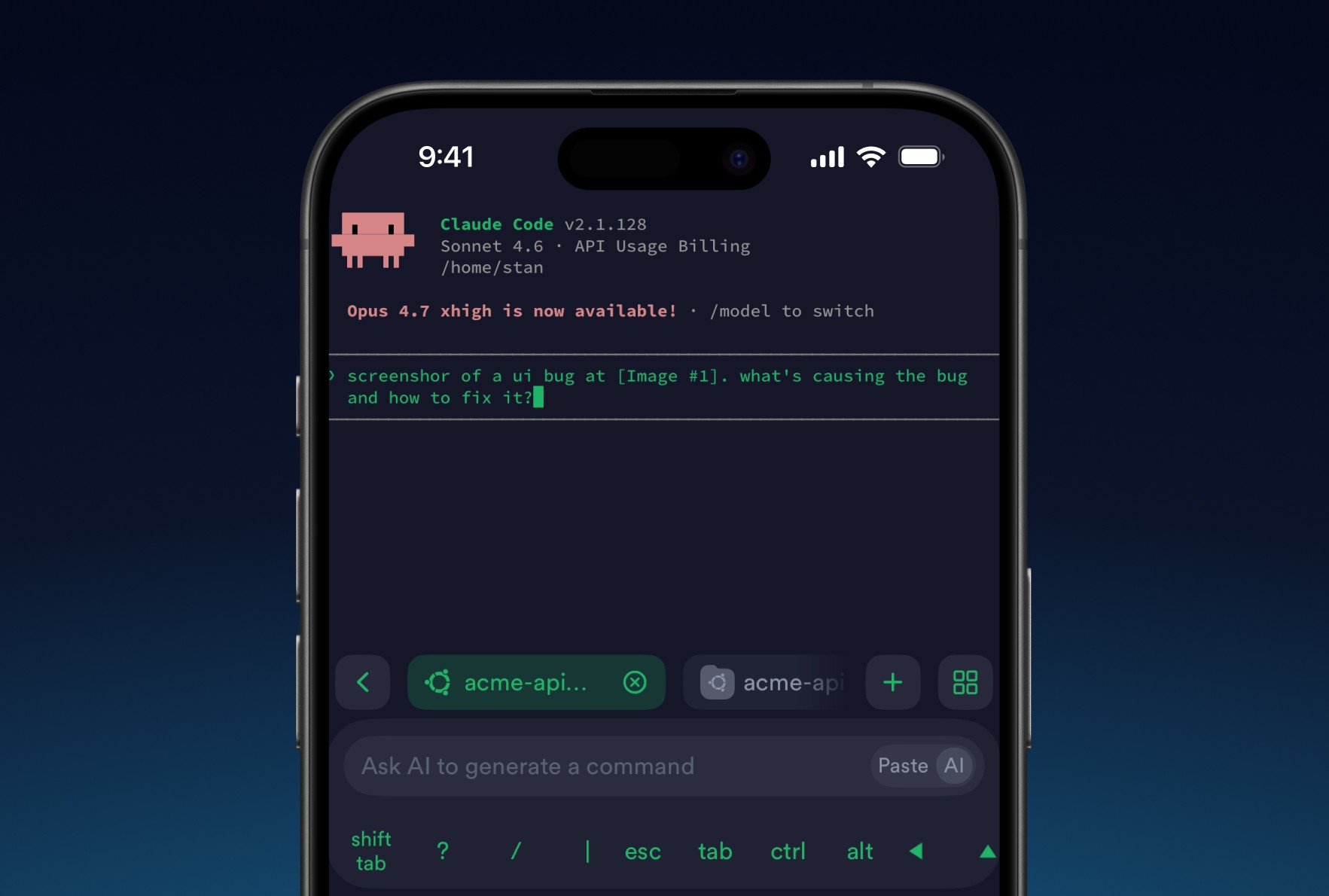
8 tips for using AI agents on mobile with Termius
Learn tips to improve your experience on your phone. Set it up once and your phone stops being a fallback and starts being a workstation.

Post-quantum cryptography
Termius has implemented post-quantum cryptography, ensuring your SSH sessions remain protected not just against today's threats but also against future attacks.