Autocomplete: Helium vs. Hydrogen
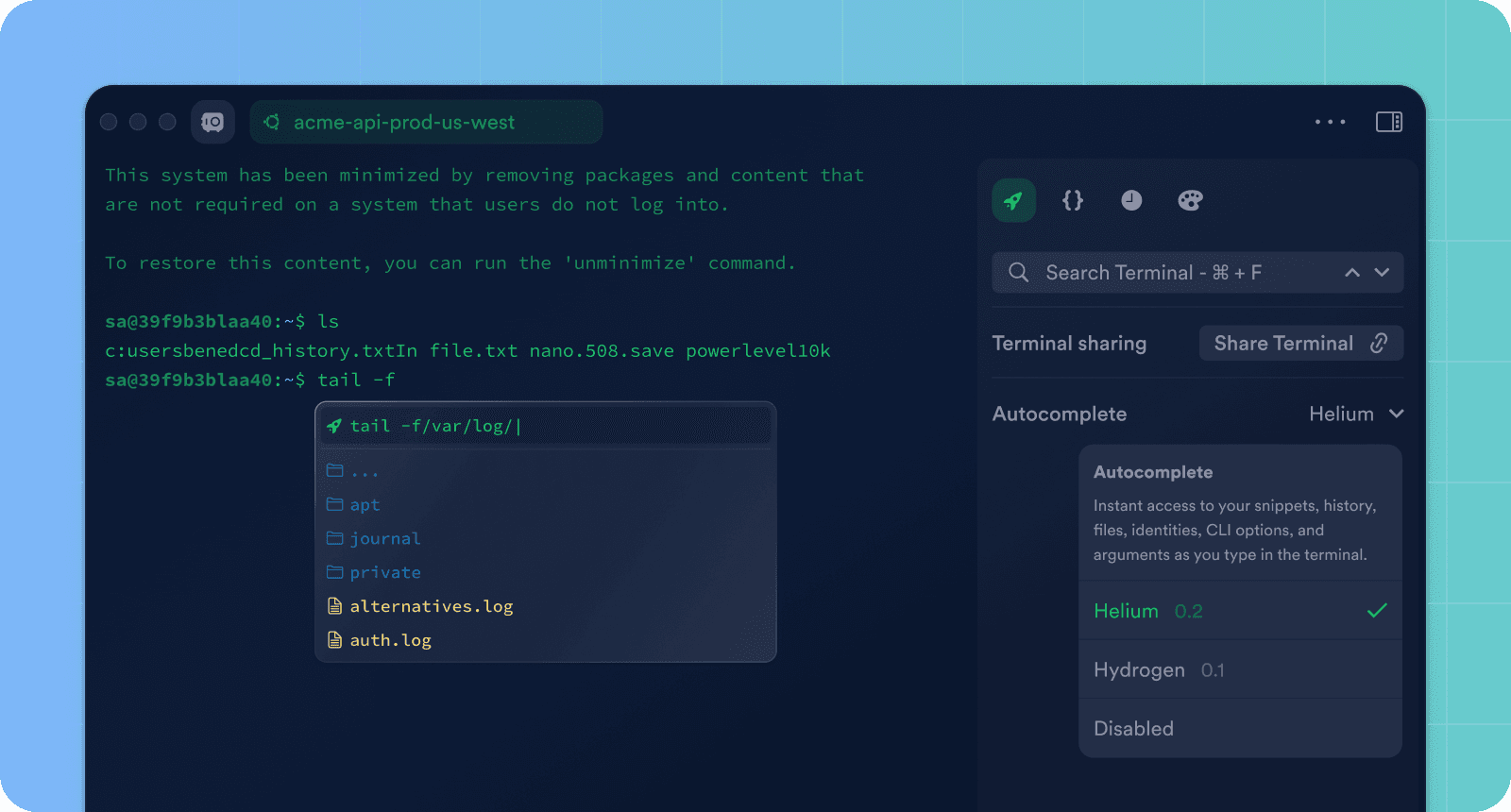
Over the past few years, we have focused on creating a modern autocomplete that boosts engineers' productivity in the terminal. We've added many completion types, like history, snippets, and passwords, while constantly iterating on the interface. However, after multiple small design adjustments, the autocomplete still felt boring and did not provide the engaging appearance and UX we strive for.
We chose to build the new autocomplete from scratch to avoid interruptions of the existing autocomplete audience who loves and uses it daily. Therefore, we decided to release a separate version. Now Termius comes with two autocomplete options.
Hydrogen is the old autocomplete, stable, and includes all your favorite features: path, history, snippets, and password suggestions, but it has no new UX.
Helium is the new autocomplete, with a new look, cutting-edge user experience, and latency-free input, but with limited suggestions. So far, it supports only history and paths. We frequently release new versions of it.
If you'd like to share your thoughts on the autocomplete experience, join our Discord Community.


Read more
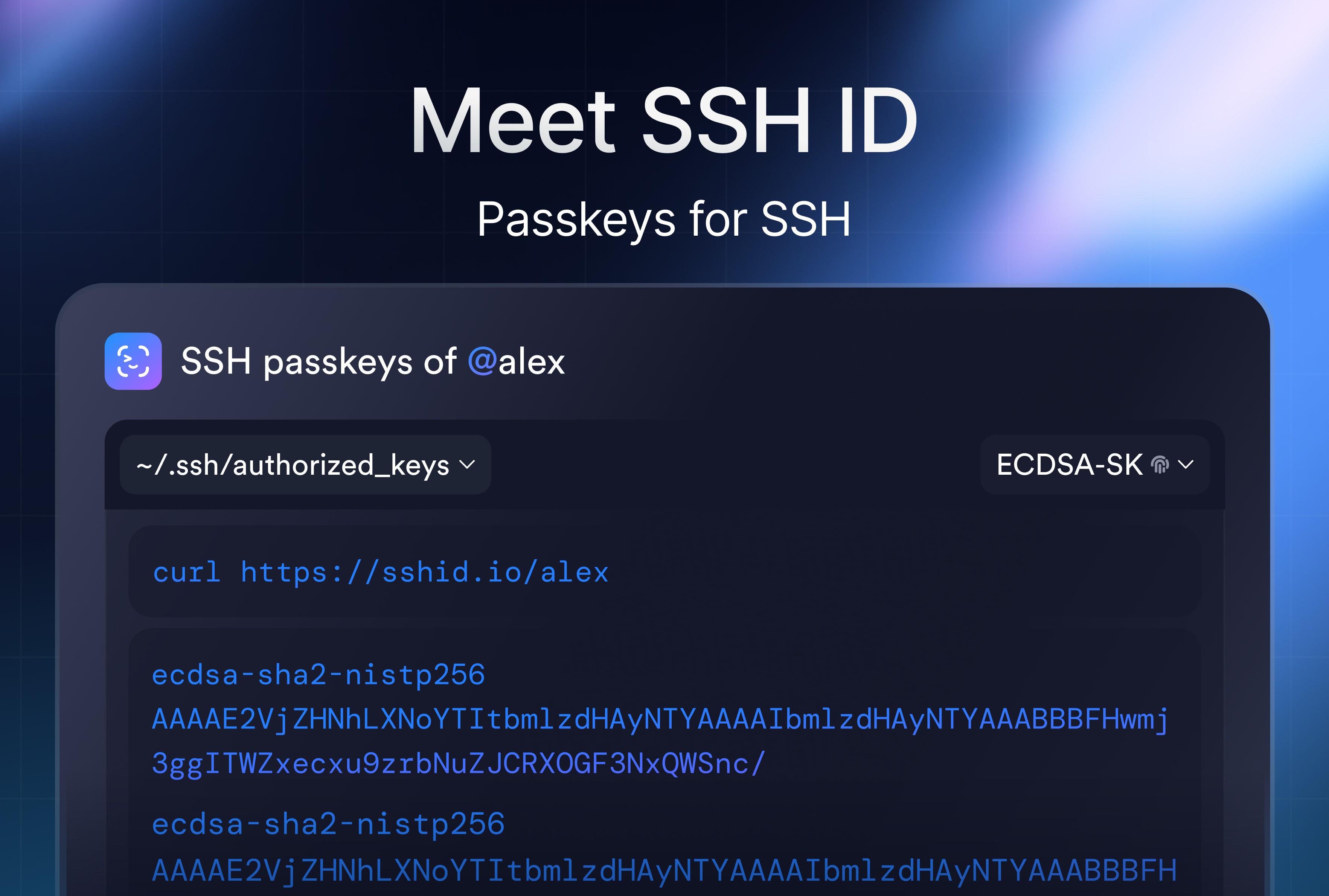
SSH ID – Passkeys for SSH
SSH ID is a passkey for SSH. This is a new tool inside Termius that combines the security of device-bound keys with the simplicity of sync.
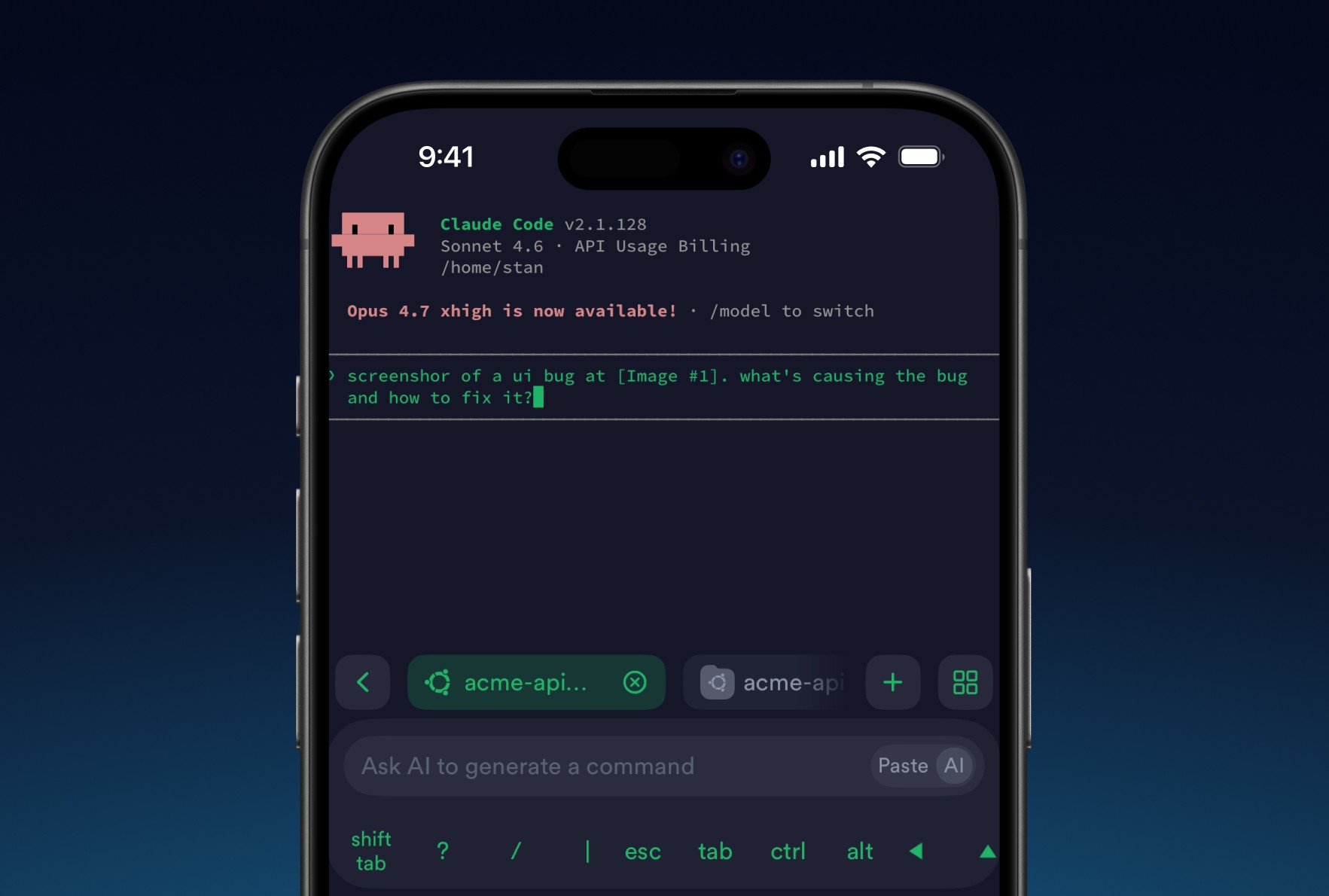
8 tips for using AI agents on mobile with Termius
Learn tips to improve your experience on your phone. Set it up once and your phone stops being a fallback and starts being a workstation.

Post-quantum cryptography
Termius has implemented post-quantum cryptography, ensuring your SSH sessions remain protected not just against today's threats but also against future attacks.